Branding
May 21, 2026


WordPress still powers a significant share of the web. It's also responsible for a significant share of marketer frustration: plugin conflicts, security vulnerabilities, developer dependency, and page speed problems that take engineering time to resolve.
Webflow website design has become the default choice for high-growth marketing teams, SaaS companies, and design-forward businesses that want to move faster without a developer bottleneck. Here's why teams are switching and what the honest trade-offs are.
The core reason most companies switch: marketing can build, publish, and iterate pages without engineering involvement.
In WordPress, design changes typically require a developer — either to modify a theme, customize a plugin, or maintain the site as it grows. For marketing teams that need to ship new landing pages, test conversion variations, or update content quickly, waiting on engineering is a recurring bottleneck.
In Webflow, a designer or marketing manager with Webflow training can build and publish pages directly. The visual canvas produces clean, production-ready HTML and CSS without custom code for standard design work. Engineering time is freed for product.
Webflow sites consistently outperform WordPress on Core Web Vitals without ongoing optimization work. The reasons: Webflow hosts on Fastly's global CDN by default, generates clean code without plugin overhead, and doesn't carry the performance drag of multiple plugins loading scripts on every page.
For marketing teams tracking conversion rates, site speed is a direct performance variable. A faster site converts better. WordPress sites can be optimized to perform well — but it requires deliberate engineering effort. Webflow sites are fast by default.
WordPress sites require regular plugin updates, core updates, and security monitoring. Each update is a potential source of breakage. Plugin conflicts are common. Security vulnerabilities in widely-used plugins are regularly exploited.
Webflow handles hosting, security, and infrastructure at the platform level. There are no plugins to update, no security patches to apply, no server to manage. Marketing teams get that maintenance time back.
Webflow exposes CSS properties directly in a visual canvas. A designer can implement any layout, animation, or interaction they can conceive — without custom CSS workarounds or fighting a theme.
For companies that care about design quality, this matters. WordPress theme constraints force compromises. Webflow doesn't.
Webflow isn't the right choice for every situation.
Very large content sites. If your CMS needs exceed 20,000 items per collection, WordPress with a well-configured hosting setup handles volume that Webflow's CMS caps don't support. Large enterprise blogs and news sites with tens of thousands of articles may hit Webflow's structural limits.
Complex plugin ecosystems. WordPress has decades of plugin development behind it. If your business depends on specific third-party integrations that only exist as WordPress plugins, migrating to Webflow means rebuilding those integrations through APIs or finding alternatives.
Developer-heavy custom applications. WordPress with custom development can become a full application platform. For teams that have invested heavily in custom WordPress development for application-level functionality, the migration cost may outweigh the benefits.
Teams deeply familiar with WordPress. If your entire content and marketing team knows WordPress and there's no meaningful bottleneck or performance problem, switching has a real training and transition cost without proportionate gain.
The switch makes the most sense for:
And it makes the least sense for:
Webflow has passed Squarespace, Wix, and Shopify in global market share and is now the second most popular website platform worldwide. The shift away from WordPress among marketing-driven companies is real and accelerating. If you're still deciding between Webflow and other modern platforms like Framer, see Webflow vs. Framer: which to build on in 2026 for a direct comparison of CMS, animations, and pricing.
Jamm designs and builds Webflow sites as part of a monthly subscription — fast delivery, continuous iteration, and full design system implementation without a developer bottleneck. See our Webflow work or book a call to discuss your migration or new build.
One thing that's changed the conversation about Webflow is the visual quality ceiling. Early Webflow sites had a recognizable look. The platform has matured significantly, and what's achievable in 2026 is genuinely competitive with custom-coded sites.
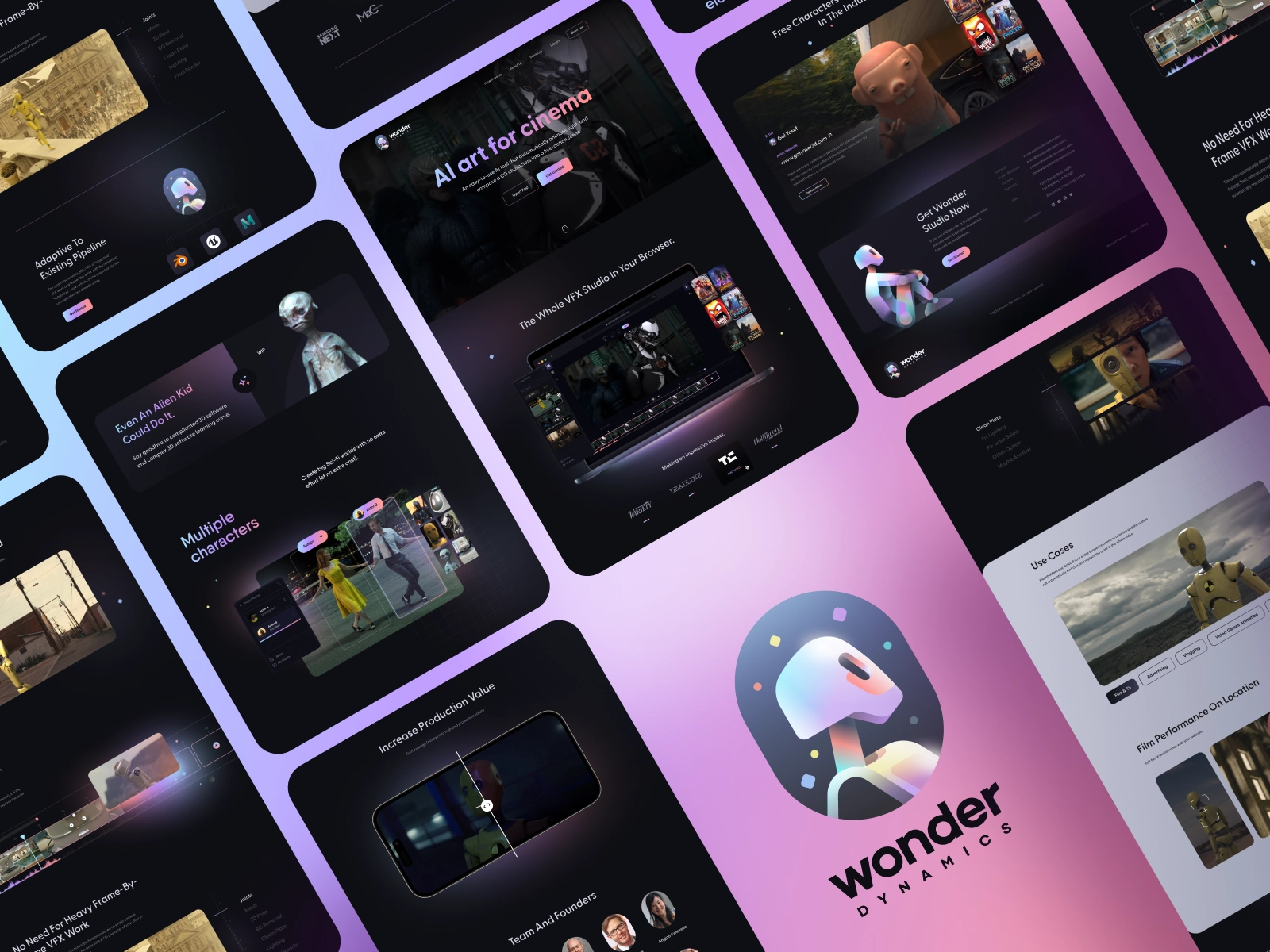
This kind of build — rich interaction design, precise layout control, strong typographic hierarchy — is delivered directly in Webflow without custom front-end engineering. A marketing team working with a skilled Webflow designer can ship pages at this quality level without waiting on a dev sprint.
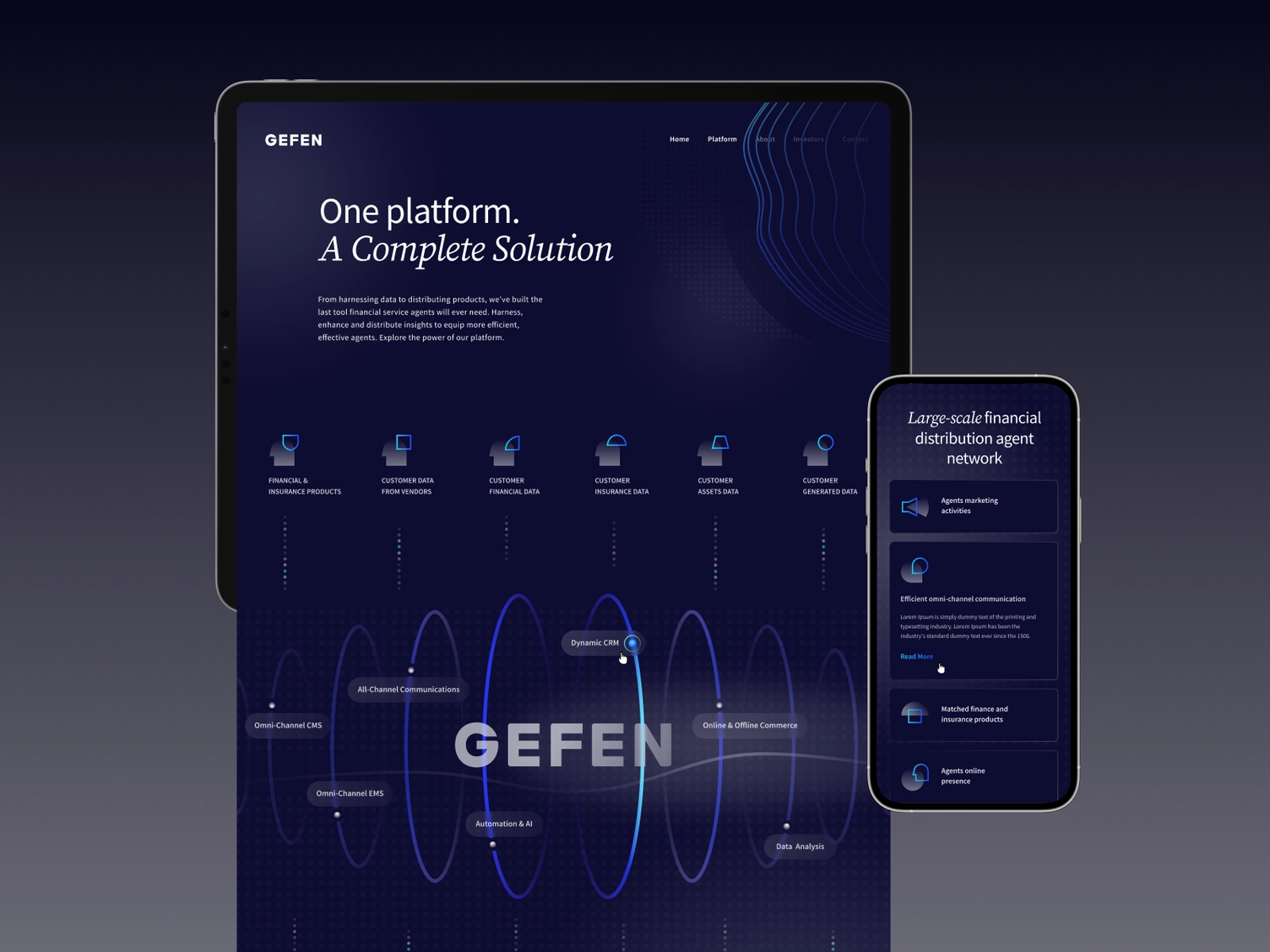
The range extends across industries and aesthetics. Dark themes, financial data presentation, animation-heavy sections: all deliverable in Webflow by a designer who knows the platform.
The biggest hesitation teams have about moving off WordPress is the migration itself. It sounds complex. Done with a clear plan, it's a predictable one-time project.
Typical timeline: Six to ten weeks for a mid-size marketing site (15-50 pages, active blog, CMS content migration).
Content migration. Blog posts, landing pages, and core pages are rebuilt in Webflow. Content from the WordPress database can be exported to CSV and reimported into Webflow CMS collections for the blog. Images are migrated and re-optimized.
SEO continuity. Every existing URL with meaningful traffic or backlinks gets a 301 redirect pointing to its Webflow equivalent. Done correctly, SEO equity transfers. Done sloppily, it doesn't. This is the most important technical step in the migration.
Team training. The Webflow Editor and CMS are different from the WordPress backend, but not dramatically harder. Most content teams are up to speed within a week of hands-on use.
Launch and monitor. Post-launch, monitor Core Web Vitals, crawl errors, and traffic for two to four weeks to confirm nothing broke in the migration.
The outcome for most teams: faster page delivery, lower maintenance overhead, and a site that actually reflects the brand's current design standards rather than a theme that was set up years ago and never fully upgraded.
Hire a team of top level professionals for less money than hiring a single designer. Stupid simple design subscription service to level-up your business!
Looking forward to potentially working with ya ✌️


