Branding
May 21, 2026


UI vs UX: two abbreviations that get used interchangeably by people who know they mean something different but aren't sure exactly what. The distinction matters practically: when you're hiring a designer, briefing a project, or trying to diagnose why your product isn't working, understanding which discipline addresses your problem makes you significantly more effective.
Here's the clear version.
UX (User Experience) design is about the structure, logic, and flow of a product. It answers: can users accomplish their goals? Do they understand what's happening? When things go wrong, can they recover?
UX design produces:
UX is invisible when it works. You navigate through a product without thinking about it, accomplish what you came to do, and leave satisfied without noticing the design decisions that made it easy. When UX fails, it's very visible: confused users, abandoned flows, support tickets, and churn.
UI (User Interface) design is about the visual and interactive presentation of the product. It answers: does this look right? Does the visual system communicate clearly? Do the interactive elements behave as expected?
UI design produces:
UI is what users see and touch. It's the aesthetic layer on top of the structure UX creates.
A house is the most used analogy because it holds up well:
UX is the architecture: where the rooms are, how they connect, where the doors and windows go, how traffic flows through the space. It determines functionality and usability.
UI is the interior design: the paint colors, the furniture, the fixtures, the lighting. It determines aesthetics and feel.
A beautifully furnished house with a confusing floor plan is unpleasant to live in. A well-planned house with no design attention feels incomplete. Good products need both: UX that works and UI that communicates.
Knowing which discipline you need helps you hire the right person and write the right brief.
If users are confused, getting lost, or abandoning flows: You have a UX problem. Hire for research and flow design. A new coat of visual polish won't fix structural problems.
If users understand the product but find it visually inconsistent or untrustworthy: You have a UI problem. Hire for visual design and component systems.
If you're building a new product from scratch: You need both, and UX should precede UI. Validate the structure before applying the visual treatment.
If you're hiring a single designer: Many product designers work across both disciplines but have stronger expertise in one. Know which matters more for your current problem and screen for it.
In a well-run design process, UX and UI are sequential but overlapping:
When UX and UI work is done well and in order, the build phase moves faster because decisions are made before they're expensive to change.
Not every designer or agency handles both UX and UI with equal depth. When evaluating a product design partner, look for evidence of both in their portfolio, not just beautiful screens.
Signs they take UX seriously: Case studies that show user flows, research findings, and how the design changed after testing. A portfolio that only shows polished final screens tells you they can make things look good. It doesn't tell you whether the structure underneath actually works for users.
Signs they take UI seriously: Consistent design systems with proper component documentation, not just individual screen designs. A strong UI partner builds components that scale, maintains a design token structure, and thinks about every interaction state, not just the happy path.
Questions worth asking: Can you walk me through a project where user research changed the original design direction? How do you handle the transition from wireframes to visual design? What does your design system handoff look like for engineering?
The answers tell you quickly whether you're talking to a design partner or a design vendor. A partner has opinions based on experience. A vendor executes what you ask for.
Here's the thing about great UI/UX: when it's working, users don't notice it. They just accomplish what they came to do without friction. The design only becomes visible when something breaks.
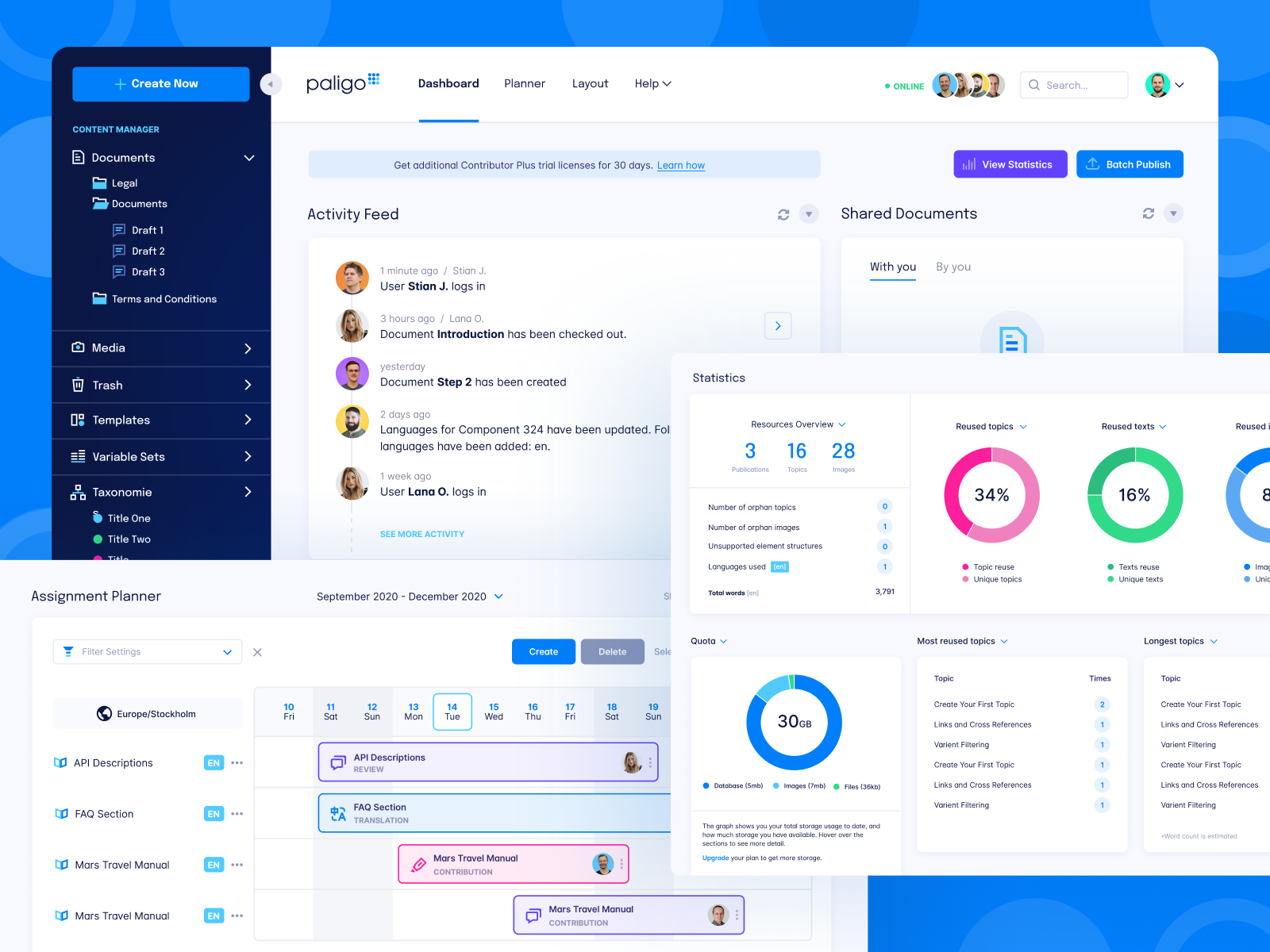
That invisibility is the goal. It's also why design quality is hard to evaluate from a demo or a screenshot. The test is in use: does the product flow naturally? Do users accomplish tasks without help? Does the visual system communicate clearly without confusion?
The brief you give a design partner shapes the output more than most founders expect.
Vague briefs produce vague work. "Make it look cleaner" or "improve the user experience" gives a designer nothing to optimize for. Good briefs define the specific problem (users are dropping off at step 3 of the setup flow), the user involved (new signups without technical backgrounds), and the measure of success (task completion rate in usability testing).
Outcome-focused briefs also prevent scope creep: when you've defined success up front, you know when the work is done. Without it, design iterations can continue indefinitely because there's no agreed standard for "good enough."
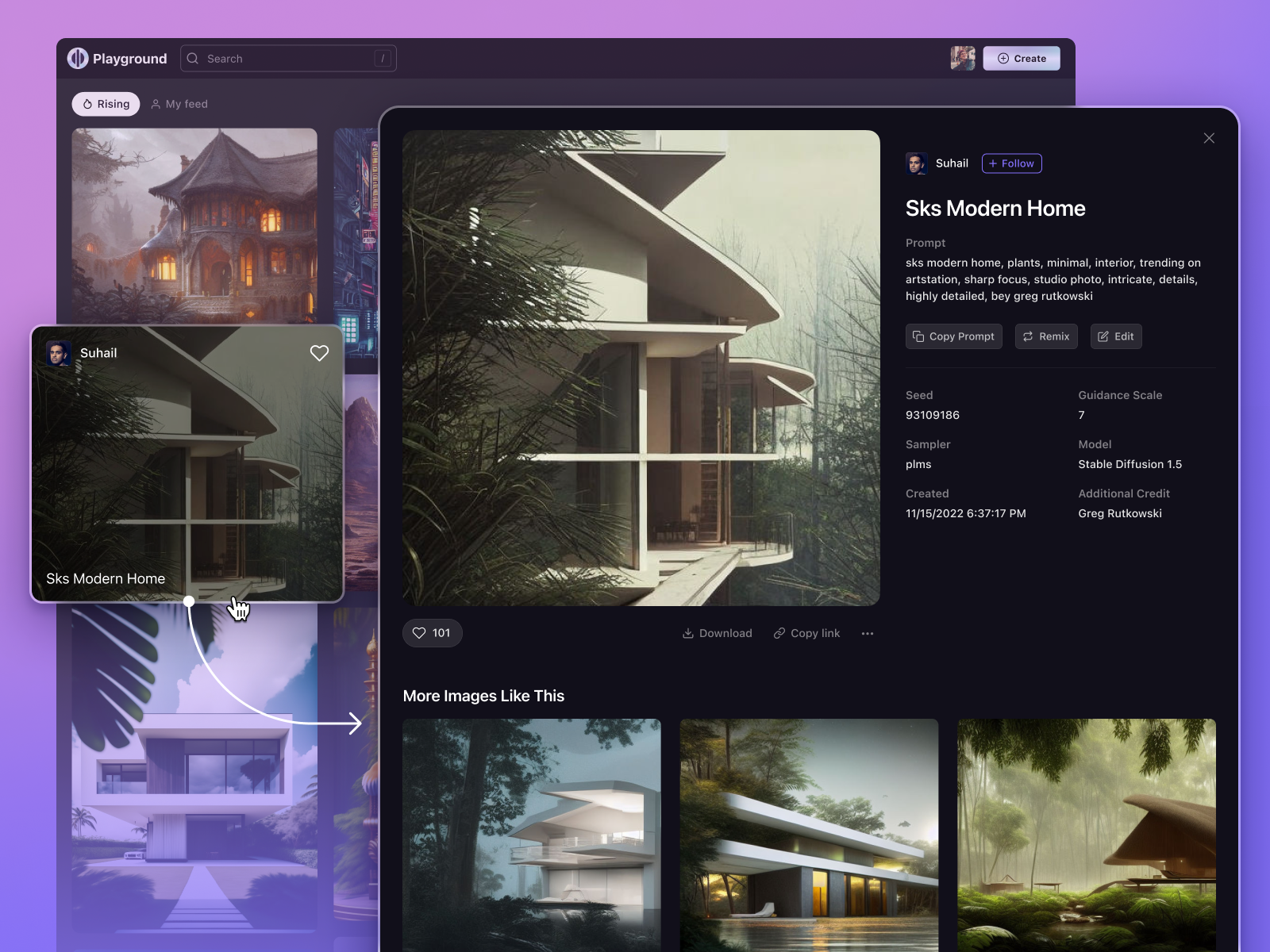
The best design partnerships are built on briefs that treat design as a problem-solving discipline, not a visual service. If you're bringing a designer a problem to solve rather than a mockup to execute, you'll get better outcomes from every engagement.
Jamm's product design work covers both UX and UI, handled as sequential subscription requests: structure and flows first, visual system second. Senior designers who understand both disciplines and know when each takes priority. Book a call to discuss your product design needs.
Hire a team of top level professionals for less money than hiring a single designer. Stupid simple design subscription service to level-up your business!
Looking forward to potentially working with ya ✌️


