Branding
May 21, 2026

SaaS UI design has two jobs: make the product easy to use today, and make it sustainable to extend tomorrow. Most UI best practices focus on the first job. The ones that actually compound in value over time address both.
Here are 15 SaaS UI design principles, organized by where they create the most impact.
1. One primary action per screen Every screen should have one visually dominant action. When multiple elements compete for primary visual attention, users hesitate, make errors, or abandon. Decide what matters most per screen and make it visually unmistakable.
2. Use density intentionally Dense information displays (data tables, dashboards) aren't inherently bad UX. The principle is intentionality: dense where users need rich information, airy where users need to focus or complete a task. Don't default to either extreme. For a deeper look at how to handle data-heavy interfaces, see dashboard UI design best practices for data-heavy products.
3. Establish a type scale and use it Three or four type sizes, consistently applied, create legibility and hierarchy without complexity. Arbitrary font sizing (22 different sizes across the product) creates visual noise that users learn to tune out.
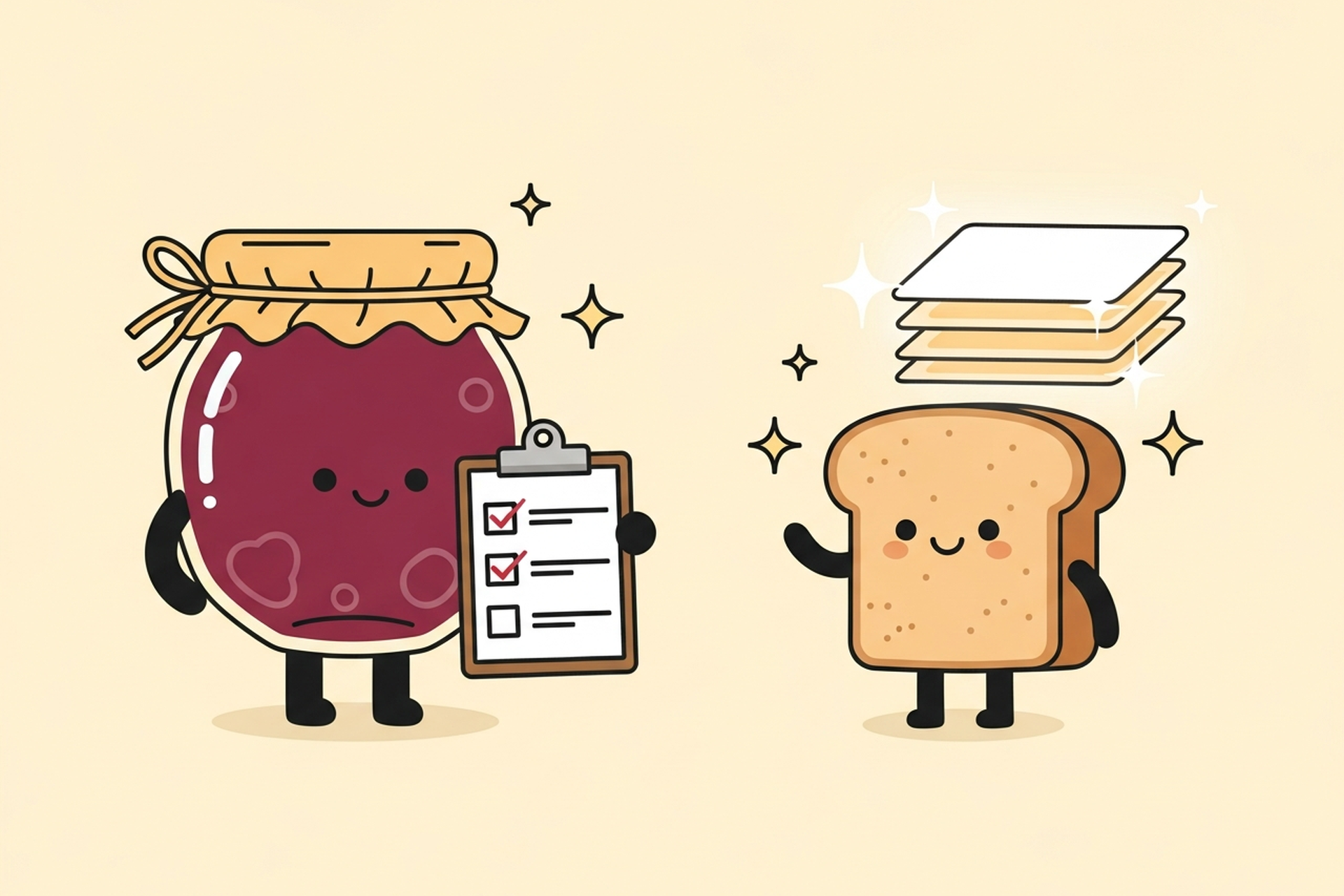
4. Build a component library early A design system with reusable components is not a luxury for large teams. It's the foundation that allows small teams to move fast without creating inconsistency. Build buttons, inputs, cards, navigation, and modals as documented, reusable components before you have too many screens to fix.
5. Design tokens before colors Color values should be stored as semantic tokens (primary-action, destructive, neutral-muted) rather than applied directly as hex values. When design evolves, updating the token updates every instance. Updating hex values means hunting for everything that uses that color.
6. Design every state For every interactive component, design: default, hover, active, focused, disabled, loading, error, and empty states. Products that ship components with only the default state create visual inconsistency and trust-eroding gaps when users encounter non-default states.
7. Meet WCAG 2.1 AA as a minimum The European Accessibility Act now carries significant legal consequences for non-compliant digital products. Beyond compliance: accessible design is simply good design. Color contrast, keyboard navigation, and screen reader compatibility benefit all users.
8. Never rely on color alone to communicate state A red error state needs a text label, an icon, or another visual cue in addition to the color. Color-blind users represent approximately 8% of men and 0.5% of women. Designs that communicate exclusively through color fail a meaningful percentage of users.
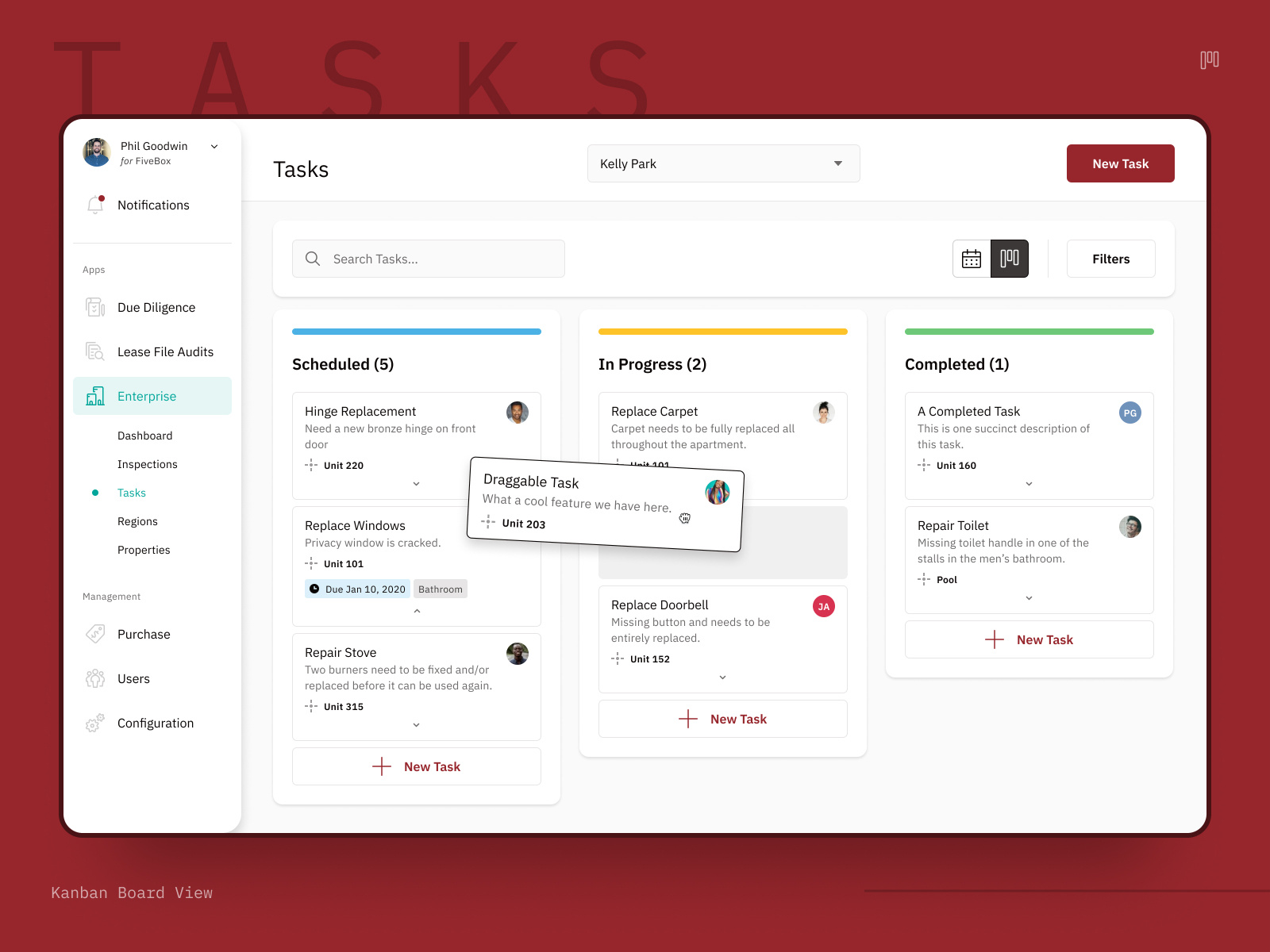
9. Persistent navigation for context Users should always know where they are in the product. Persistent navigation (sidebar, top nav) maintains orientation. Products that hide navigation or change it contextually create disorientation at scale.
10. Limit navigation depth Nested navigation deeper than two levels reliably creates confusion. If your product's information architecture requires three or four levels of nesting, the structure needs to be reconsidered, not just made more visually accessible.
11. Toast notifications for non-critical confirmations Successful saves, completed actions, and informational updates belong in toast notifications: time-limited, non-blocking, visible but not requiring interaction. Reserve modal dialogs for actions that require explicit user confirmation (deletes, irreversible operations).
12. Write error messages for recovery, not blame "Something went wrong" is an error message that helps no one. "Your session expired. Log in again to continue." is an error message that tells users what happened and what to do about it. Error message copy is a UX deliverable.
13. Skeleton screens over spinners for data loading Skeleton screens (placeholder layouts that show the structure of content before it loads) perform better than generic spinners for perceived load time. Users form a mental model of what's coming and feel less uncertain while waiting.
14. Optimistic UI for common actions For low-risk actions (toggling a setting, marking an item complete), show the result immediately without waiting for server confirmation, then correct if the server response fails. Optimistic UI feels dramatically more responsive than waiting for every round-trip.
15. Design for your most complex use case Design systems built for simple cases break when complexity increases. When designing components, include at least one edge case: a very long label, a translated string that's 40% longer, a name with special characters. Components that gracefully handle edge cases scale. Components that don't create regressions as the product grows.
Reading a list of principles is one thing. Applying them when you're shipping fast under deadline pressure is another. The most common failure mode isn't teams that don't know these principles, it's teams that deprioritize them under pressure and pay for it later.
Design system debt compounds faster than code debt. Once you have 40 screens with inconsistent button styles, fixing it means updating all 40 screens. Once you have 80, it's worse. The cost of establishing a proper component library in week 3 is a fraction of the cost of retrofitting one in month 12. Teams that defer this almost always wish they hadn't.
Accessibility breaks in small ways that add up. A single form field without a label is a minor issue. Fifteen form fields across an app that were all built by different developers without consistent accessibility practices is a serious usability problem for a meaningful segment of users. Treat every individual accessibility gap as the beginning of a systemic problem, not an isolated exception.
Visual hierarchy drift happens gradually. Products that have strong visual hierarchy at launch tend to degrade as features get added. Each new addition feels minor: one more button, one more label, one more secondary action on this screen. Over time, the visual hierarchy that was clear at launch gets crowded. Regular design reviews specifically looking at visual hierarchy prevent this drift before it requires a full redesign.
Internal teams often catch the symptoms of these failures before they identify the root cause. The product "feels cluttered." Users can't find the new feature. Support tickets keep asking the same question about the same flow. These symptoms point to specific design system and hierarchy failures that a product design specialist can diagnose and fix faster than an internal team working through them for the first time.
A useful way to frame the decision: if your internal team is spending more time debating design decisions than executing them, it's probably time for an outside perspective. A senior product designer who has solved similar problems across multiple SaaS products will resolve design disagreements faster and with better outcomes than an internal team debating first principles.
If your current design system is inconsistent, the fastest path forward isn't starting over. It's a structured audit that identifies where the breaks are, prioritizes by frequency and user impact, and works through fixes in order.
Start with the components used most frequently: primary buttons, form inputs, navigation, and data tables. Getting those consistent has the highest visible impact per unit of effort. Secondary components, edge cases, and less-used screens come after the foundation is solid.
Jamm's product UI work builds from these principles. Senior designers who understand SaaS-specific patterns, build proper design systems, and think about scalability from the first component. See our work or book a call to discuss your product.
Hire a team of top level professionals for less money than hiring a single designer. Stupid simple design subscription service to level-up your business!
Looking forward to potentially working with ya ✌️


