Branding
May 21, 2026


Here's a number that should get your attention: the average mobile app loses 77% of its daily active users within the first three days after install.
Three days. Most people never even see your core features.
By day 30, you've typically lost 95% of the people who downloaded your app. The economics of mobile are brutal. Acquisition costs money. Retention is where that money becomes ROI — or doesn't.
The good news is that this isn't a mystery. Apps that beat these numbers aren't just luckier. They're better designed. Specifically, they use mobile app UX design patterns that are engineered for habit formation, clarity, and satisfaction. Let's break down what those look like.
Mobile isn't just a smaller screen. The context is fundamentally different. People use mobile apps in 30-second bursts on the subway, one-handed while making coffee, distracted, interrupted, and impatient.
That changes everything about how you design. Tap targets need to be forgiving. Navigation needs to be intuitive without reference to a manual. Value needs to be delivered fast — not after onboarding flow screen #7.
The mobile app design best practices that actually work are all rooted in the same insight: respect the user's attention. They didn't come to your app to learn your app. They came to do something. Get them there.
The single biggest retention mistake in mobile is trying to explain everything upfront. Long permission requests, feature tours, tutorial overlays — all of it creates friction before the user has felt any value.
Progressive onboarding is the opposite approach. Instead of front-loading everything, you introduce features at the moment they become relevant. The user does something, and that triggers a contextual hint or prompt for the next step.
The data backs this up. Apps with strong progressive onboarding processes improve user retention by up to 50%. That's not a marginal gain — that's a transformation of your Day-7 and Day-30 numbers.
The pattern in practice: ask for permissions only when you need them (push notifications when the user would first benefit from one, not on screen one). Surface advanced features only when the user has demonstrated readiness for them. Make every new screen feel immediately useful, not like homework.
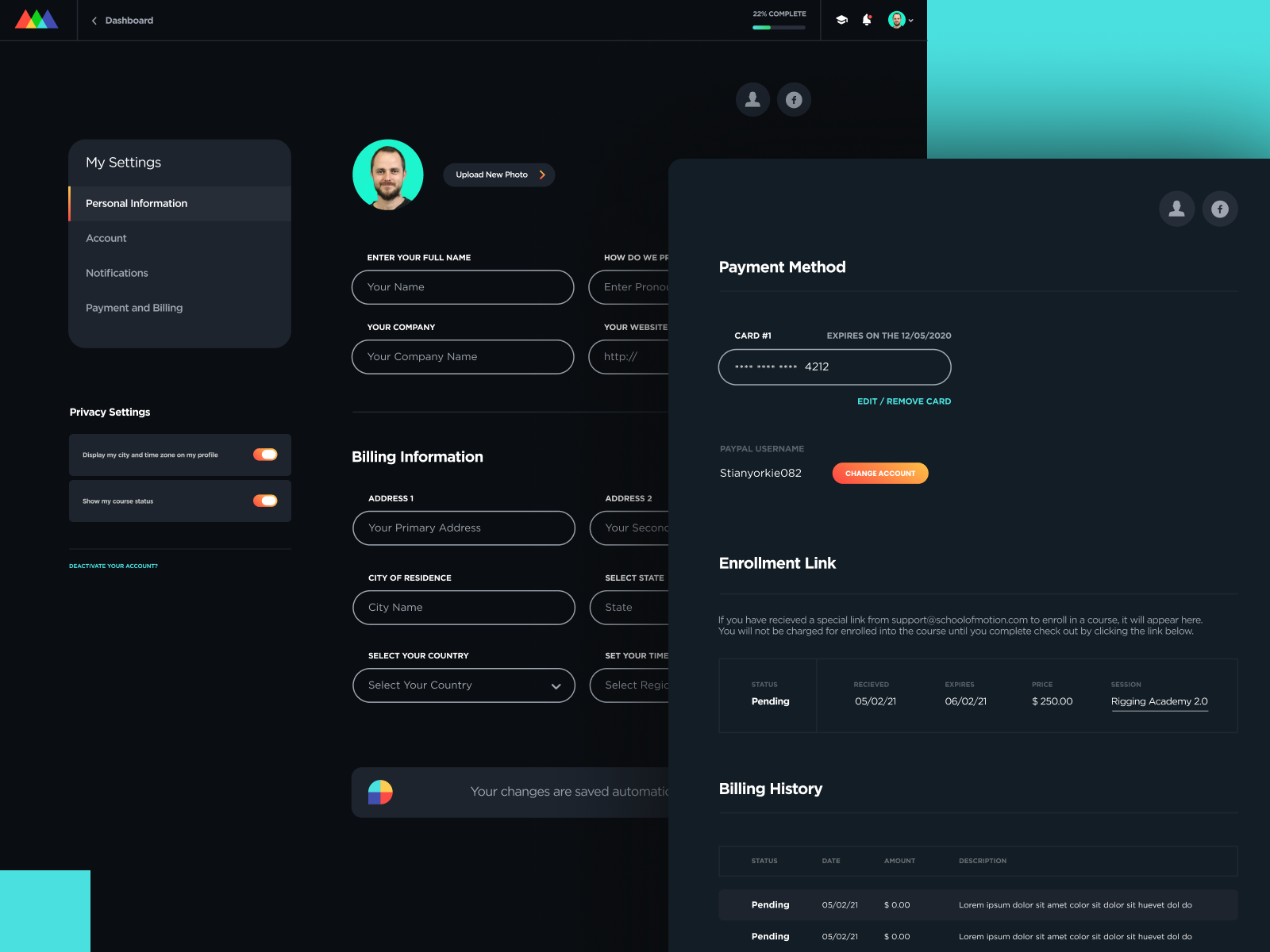
This is what good first-run design looks like — each screen has one job, there's always a clear next action, and the user feels momentum instead of overwhelm.
Over 70% of users now consider personalization a basic expectation of apps and digital services. It's not a nice-to-have. Users interact 50% more frequently with apps that feel tailored to them compared to static, one-size-fits-all experiences.
But here's where most apps get this wrong: they confuse personalization with asking the user a bunch of preference questions during onboarding. That's not personalization — that's homework.
Real personalization is behavioral. The app watches what you do and adjusts accordingly. Your most-used features rise to the top. Recommendations get smarter over time. The home screen evolves to reflect your actual usage patterns.
The UX implication: design your app to observe and adapt. Even small signals — what the user taps first, what they skip, how long they spend on certain features — are inputs for personalization that doesn't require asking.
For the screens that do ask for preferences: make it feel like a favor to the user, not a data collection exercise. "Tell us what matters to you so we can make your feed more relevant" lands differently than a generic form with 10 checkboxes.
This is a mobile ui ux fundamental that gets ignored more than it should. Research into how people hold phones shows that thumbs cover a consistent and somewhat predictable area. The bottom-center of the screen is the most reachable. The top corners are the least.
So: primary actions go at the bottom. Secondary and destructive actions (delete, settings, back) go where they're harder to accidentally tap. Navigation lives at the bottom edge where thumbs naturally rest.
This sounds obvious. Walk through your own app and see if it's true. For most founders, there are at least two primary actions that are in thumb-hostile territory.
The fix is usually simple: restructure your action hierarchy and relocate your CTA. A design audit of your mobile app with this lens alone can meaningfully improve tap rates and reduce accidental-action frustration.
Microinteractions are the tiny feedback moments in an app — the haptic when you confirm a payment, the satisfying checkmark animation when you complete a task, the "wiggle" on a long-press.
They feel trivial. They're not.
Microinteractions communicate that the app is alive and responsive. They make actions feel consequential. And they contribute to what researchers call "emotional stickiness" — the feeling that using this app is just... satisfying in ways you can't fully articulate.
Apps that invest in microinteractions don't just feel more polished. They feel more rewarding to use. And rewarding-to-use apps retain better.
The practical approach: pick the three to five actions in your app that happen most frequently, and invest in making those feel great. You don't need microinteractions everywhere — just on the moments that matter most.
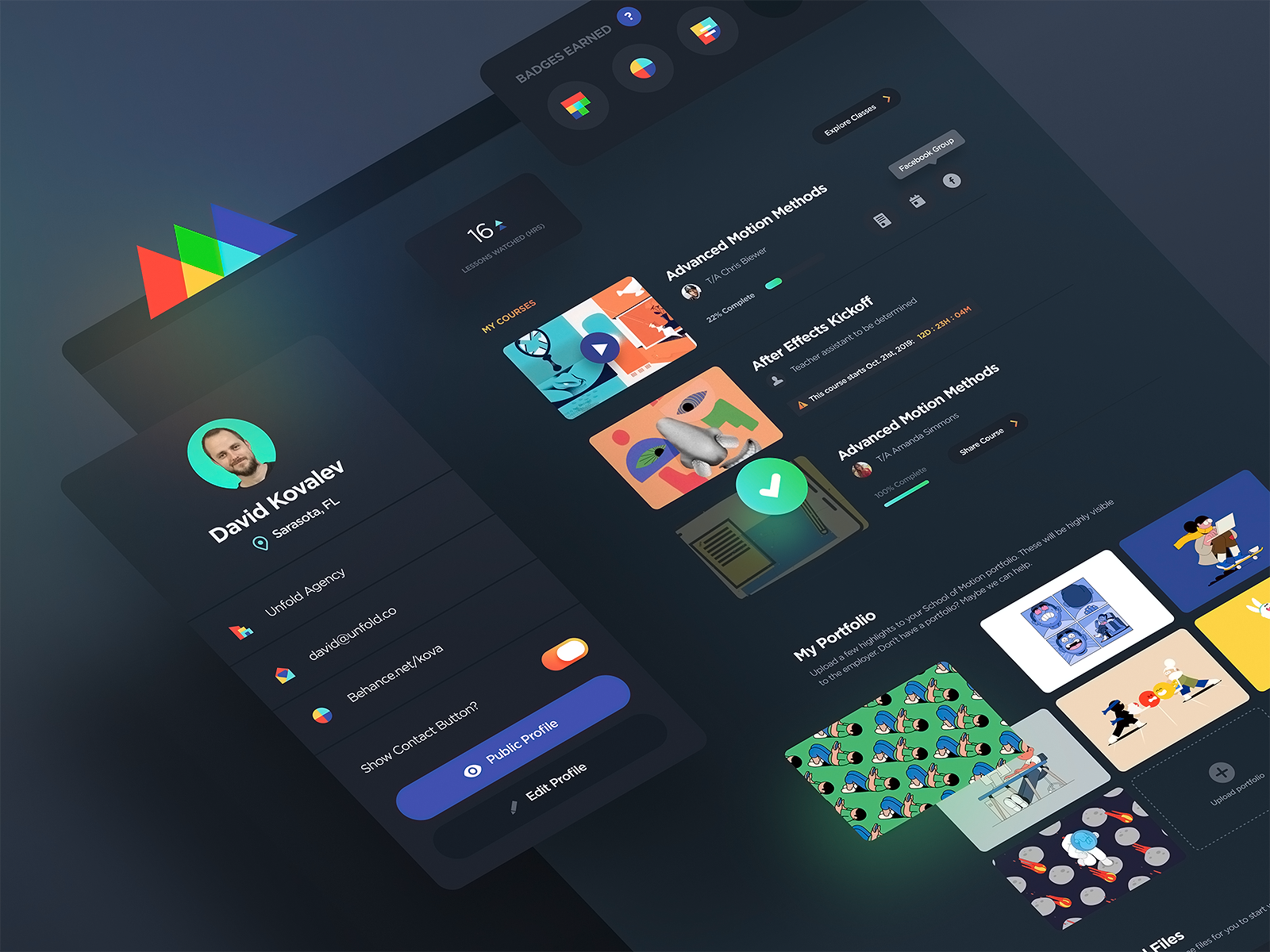
Notice how every state has a clear visual treatment — tapped, loading, confirmed. Nothing leaves the user wondering if it worked.
Here's a pattern that's underrated in most discussions of mobile app design best practices: your returning user experience matters more than your first-run experience.
Most of your retention comes from making the 2nd, 5th, and 20th visit smooth. Users who've already downloaded your app, maybe used it a few times, and come back — they need to remember why they liked it.
The pattern: make re-entry as fast as possible. Biometric login. Deep links that open directly to the relevant context instead of the home screen. Contextual re-entry prompts ("pick up where you left off") that surface the last incomplete action.
Don't make a returning user feel like a first-time user. They've already invested time in your app — treat that history as an asset.
Nothing kills app retention faster than bad push notifications. A user who gets spammed with irrelevant push notifications will turn them off — and once notifications are off, re-engagement plummets.
Mobile app UX design patterns around notifications are all about permission and relevance. Ask for push notification permission at the moment of highest value — right after the user has their first meaningful success in the app. That's when they're most willing to say yes.
Then earn that permission. Every notification should either surface time-sensitive information the user actually cares about, or remind them of something they started and haven't finished. "Come back to your app!" is not a notification — it's a symptom of having nothing real to say.
The bar: before sending any push notification, ask "would the user thank us for this?" If the answer is no, don't send it.
Every pattern here is a variation of the same principle: design for the user's goal, not your product's metrics.
When you optimize for time-to-value instead of time-in-app, retention improves. When you personalize based on behavior instead of surveying, engagement improves. When you build microinteractions around real moments instead of cosmetic effects, satisfaction improves.
Apps that implement these patterns consistently see 40-60% higher retention rates and 2-3x more sessions per user. That's the difference between a product that grows and one that leaks.
Need help applying these patterns to your mobile product? Jamm's designers have worked on mobile apps across consumer, B2B, and fintech. Unlimited requests, ~2 business day turnaround, senior designers who actually get mobile. Book a call to talk about what your app needs.
Mobile retention isn't one thing — it's the accumulated effect of hundreds of small design decisions made well. The good news: you don't have to fix everything at once.
Start with onboarding. It's the highest-leverage intervention for most apps because it determines whether users ever see the value you built. Get that right first, then work outward.
Audit your re-entry flow next. Then review your notification strategy. Then look at your thumb zone layout. Then microinteractions.
Each improvement compounds. A 10% improvement in Day-1 retention, a 10% improvement in Day-7, and a 10% improvement in Day-30 don't add up — they multiply.
Design your app the way your best users want to use it. That's the whole thing.
If you want a team that can take this on without the overhead of a full in-house hire, Jamm's flat monthly subscription keeps design moving without the project-based start-and-stop. See the plans and find your fit.
Hire a team of top level professionals for less money than hiring a single designer. Stupid simple design subscription service to level-up your business!
Looking forward to potentially working with ya ✌️


