Branding
May 21, 2026

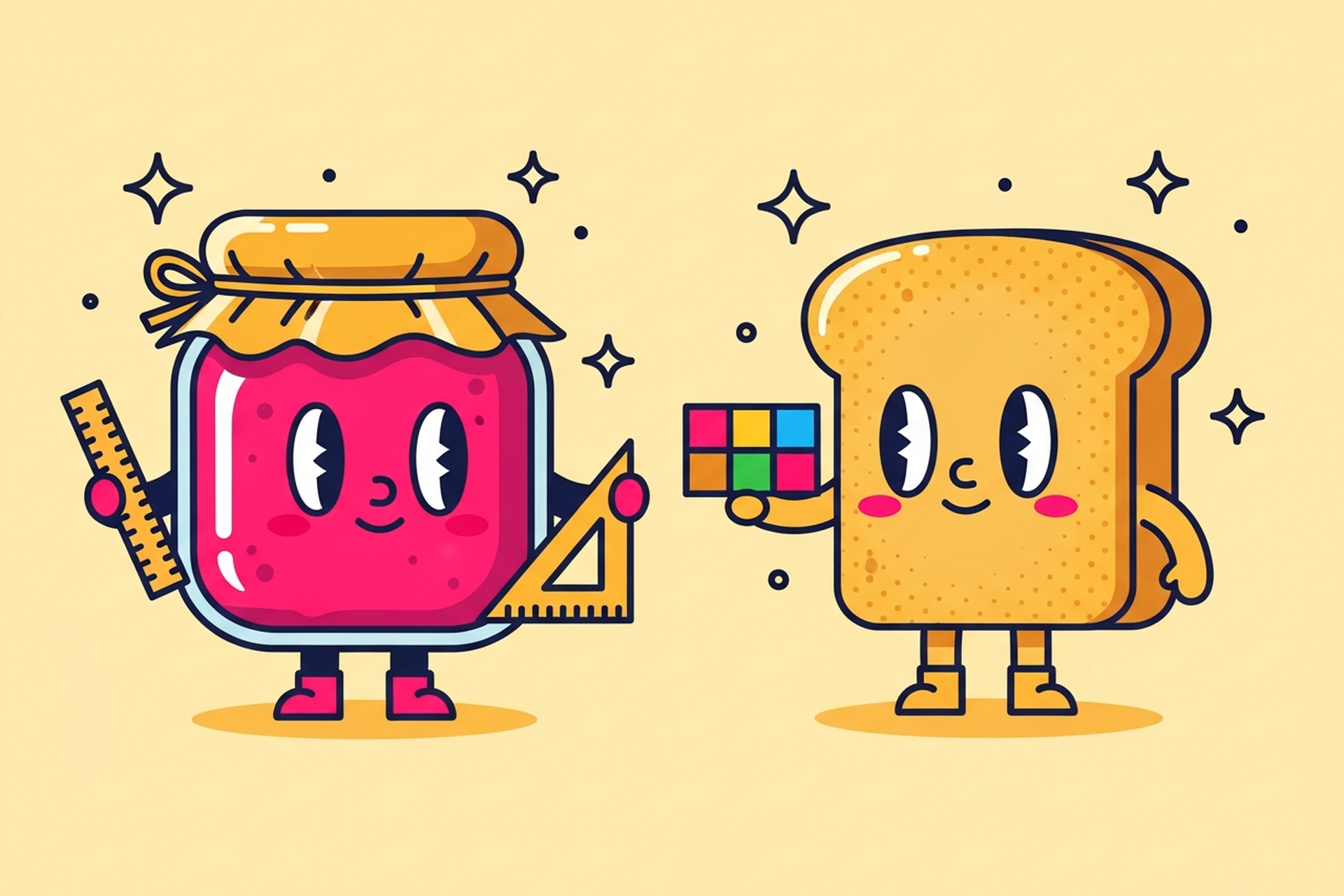
Every startup founder hits the same wall eventually. Your product starts getting traction, the team grows, and suddenly your buttons look different on every page. Your engineers are rebuilding the same modal for the third time. Your designer is fielding the same "what font size is this?" question on Slack every other day.
That's when someone says: "We need a design system."
They're probably right. But what does that actually mean? A design system is one of those terms that gets thrown around a lot without people agreeing on what's in it. Let's fix that.
A design system is the single source of truth for how your product looks and behaves. It's not just a Figma file with some components. It's a documented, living collection of decisions — about color, type, spacing, interaction, and language — that your whole team references and builds from.
Think of it as the rulebook and the toolbox combined. The rulebook says "primary buttons are hot pink, 48px tall, with 8px border radius." The toolbox gives you the actual button component, already built, so nobody has to make that decision again.
A mature design system includes several layers:
Design tokens. The most foundational layer. Tokens are named values for color, spacing, typography, border radius, shadows, and more. Instead of hardcoding #FF2D55 everywhere, you use a token called color.primary — and if that hex ever changes, you update it once and it propagates everywhere. This is how large-scale products stay consistent across platforms.
Component library. The collection of reusable UI pieces: buttons, inputs, dropdowns, modals, cards, badges, tooltips, tables, navigation bars. Each component has documented states (default, hover, active, disabled, error) and usage guidelines. This is usually what people picture when they think "design system."
Typography and spacing system. Not just which fonts you use — but a defined scale. Which text sizes exist? What are the line height rules? What's the spacing unit (4px? 8px?)? A documented scale prevents the creeping chaos of 17 different font sizes across your product.
Color system. A palette with semantic meaning. Your system should define not just "here are our colors" but "here's what each color means — primary actions, success states, error states, neutral backgrounds, text hierarchy."
Iconography. A consistent icon set with defined sizes and usage rules. Nothing breaks visual consistency faster than mixing three different icon families.
Motion and interaction guidelines. How do things animate? What's the timing on a modal entrance? How does a loading state behave? In 2025, this layer matters more than ever as users expect smooth, polished interactions as table stakes.
Documentation. The thing most teams skip. Without docs, your system lives only in the heads of the people who built it. Good documentation explains not just what each component is but when to use it and when not to.
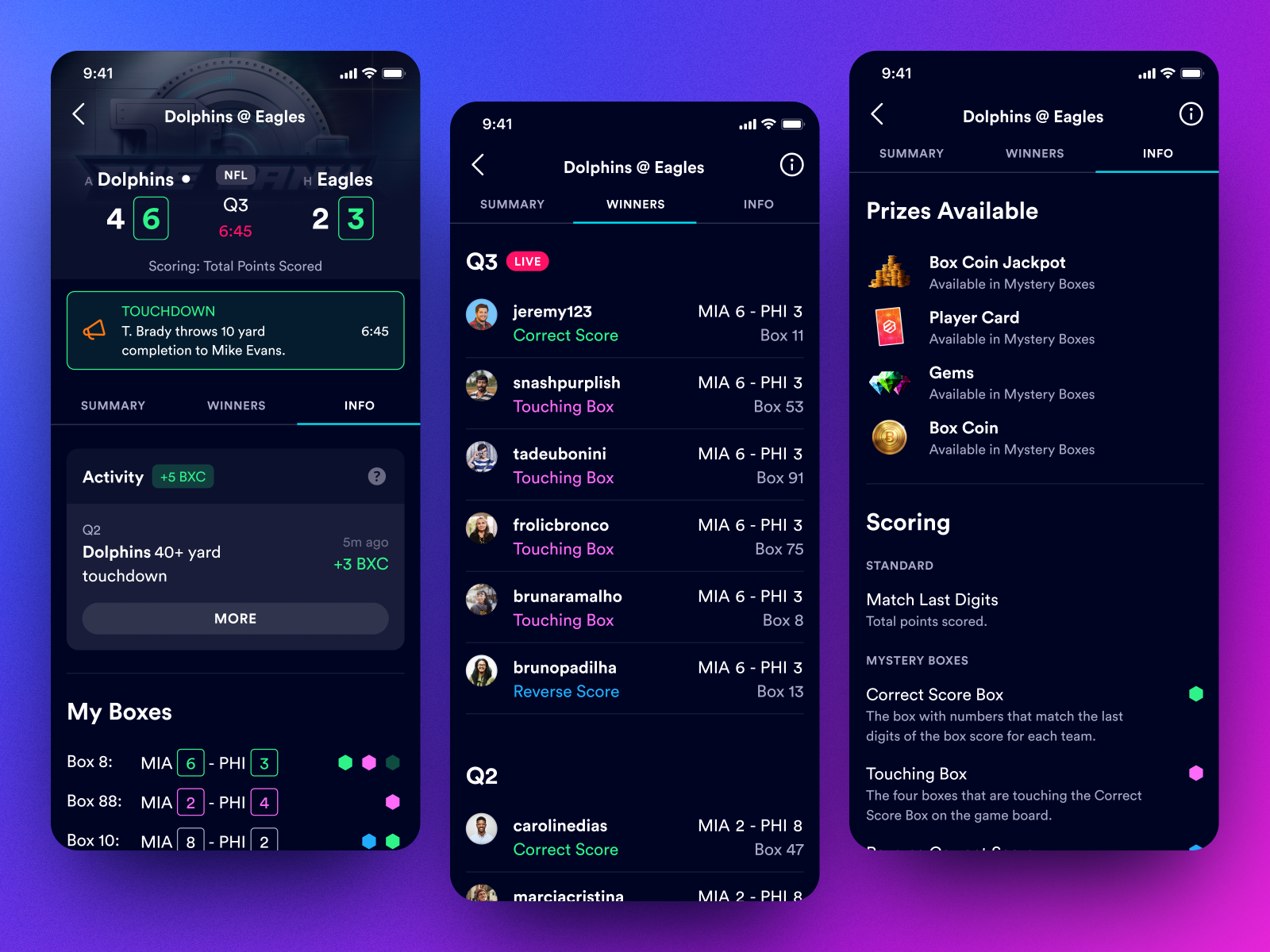
When documentation is done right, any designer or engineer can open the system and make a correct decision without asking anyone. That's the whole point.
Here's the uncomfortable truth: most design systems fail. Not at being built — at being used. According to industry data, only about 40% of design systems are considered successful by the teams that built them.
The reason is almost always the same: the system was built for the current product, not the people building future features. It's too rigid, too poorly documented, or too far behind the actual product state to be useful.
The systems that survive have a few things in common. They're maintained like a product, not treated as a side project. They evolve as the product evolves. And they're built with the engineers in mind just as much as the designers — because a component that exists in Figma but not in code isn't really a system component.
Here's where a lot of early-stage teams go wrong: they try to build a "real" design system too early.
If you're a 3-person startup with a single designer and a product that's still finding product-market fit, you don't need a fully tokenized, multi-platform component library with versioned releases. You need consistency and speed.
A lightweight design system for a startup might just be:
That's enough to get most early-stage products to a place where the team can move fast without breaking the visual language.
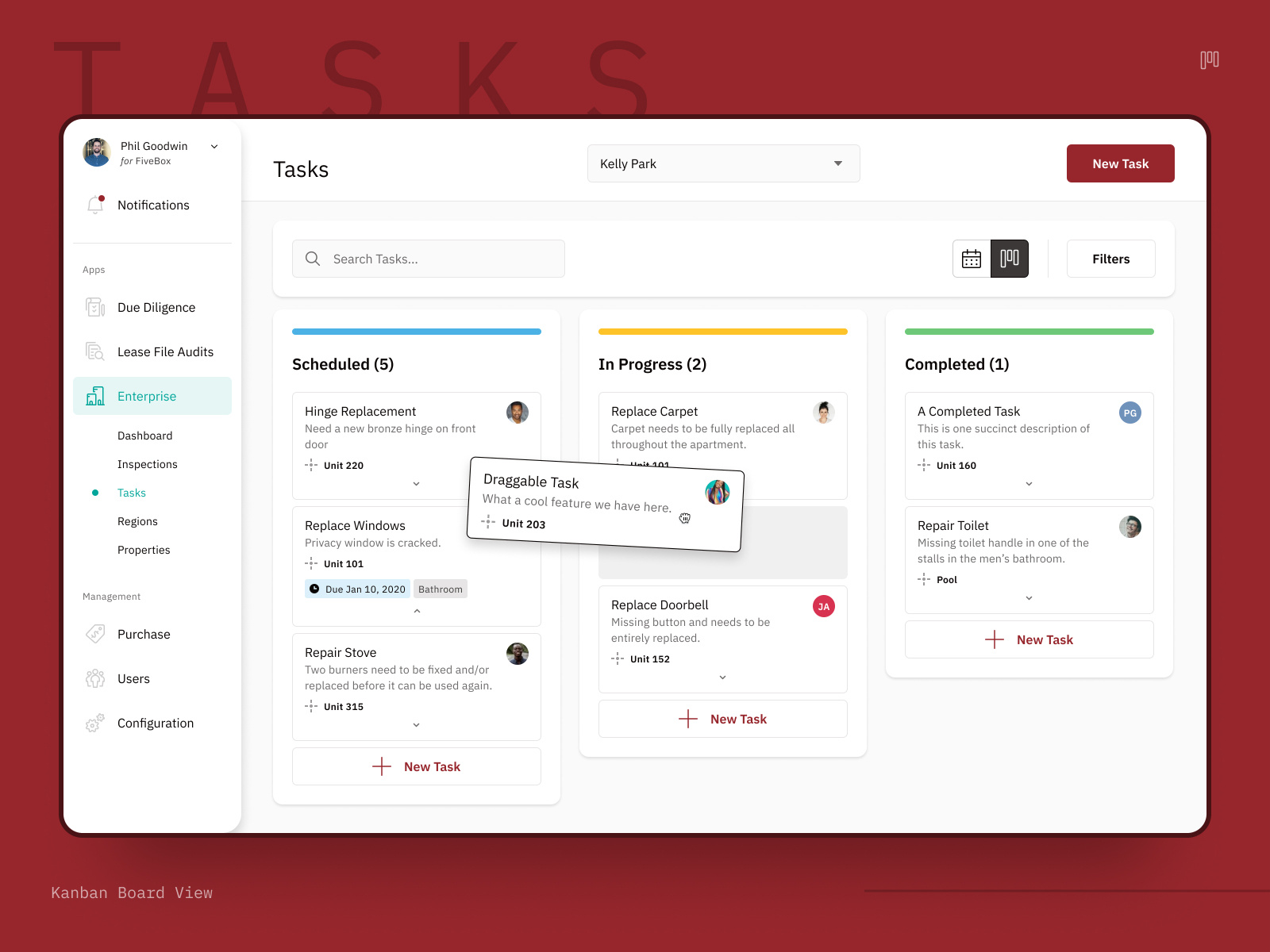
The shift from "some Figma files" to a real component library is massive. Suddenly every new feature starts from a foundation rather than from scratch.
You probably need a proper design system when:
You have more than one product surface. If you're building a web app, a mobile app, and a marketing site, and they're supposed to feel like they belong to the same family — you need a system. Without one, you'll have three teams making independent decisions that slowly diverge.
Your team is growing. The moment you have multiple designers and multiple squads of engineers, you need a shared language. Otherwise every team builds their own button.
You're preparing for scale. If you're about to raise a Series A and double the team, build the system before you hire — not after. Retrofitting a design system onto a product that five teams have been building independently is extremely painful.
Your product feels inconsistent. If users (or your own team) keep pointing out that things feel "off" or inconsistent across the product, that's a symptom. The disease is a lack of a shared system.
You're dealing with design debt. If your designer spends more time fixing existing UI than designing new features, that's a sign you're paying compounding interest on years of ad-hoc decisions. A design system services that debt.
Building a design system is a serious design undertaking. Done right, it takes real craft — not just the technical skill of building components, but the judgment to know what belongs in the system and what doesn't, what needs documentation and what's obvious.
This is where a design subscription like Jamm comes in. Instead of hiring a design systems specialist at $150k+/year or paying an agency six figures for a project engagement, you get senior designers working on your component library as an ongoing priority. One request at a time, but consistently.
If you're ready to get a design system started — or you've got one that needs some love — book a quick call and we'll talk through what makes sense for your stage.
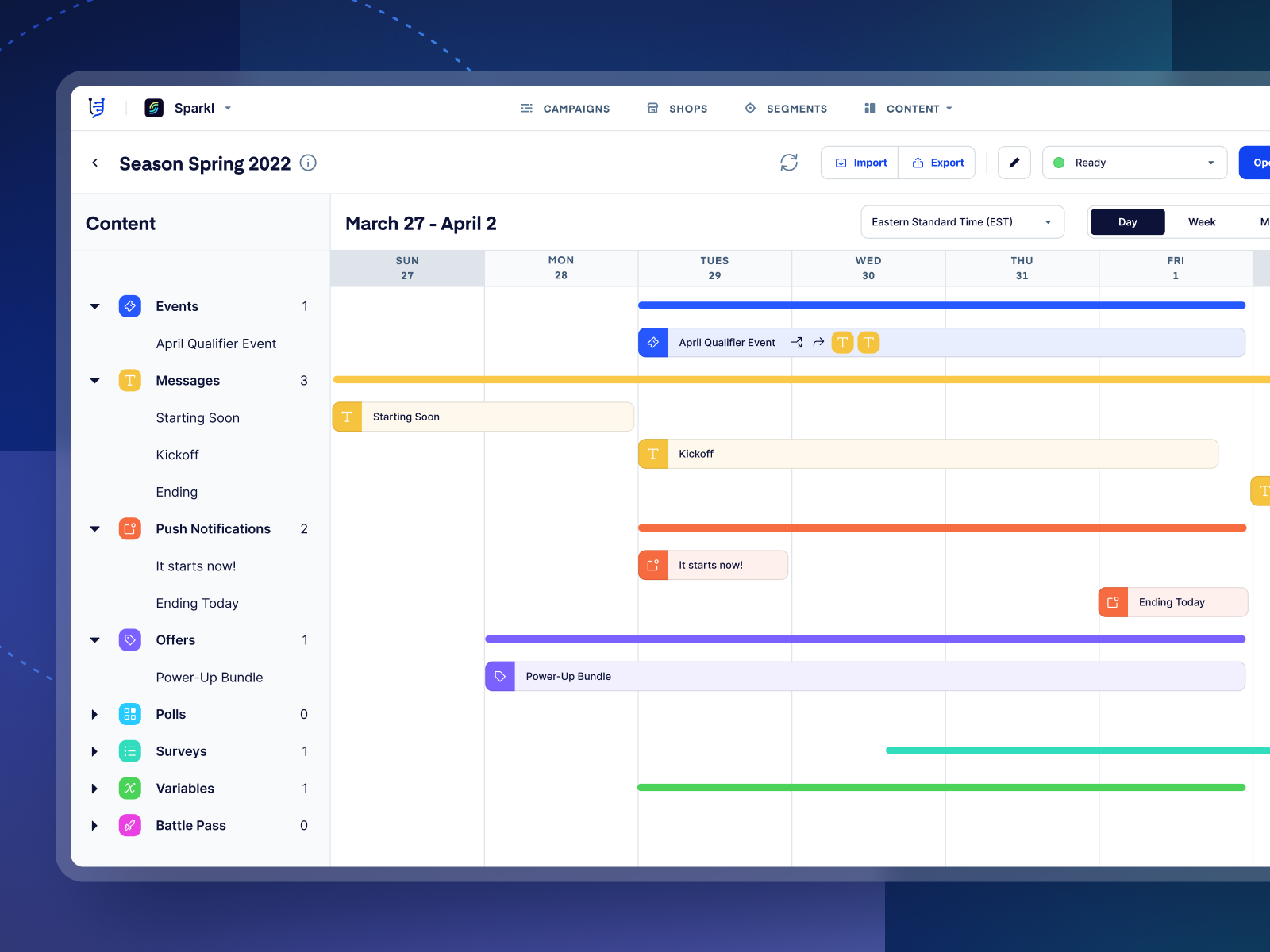
We've built component libraries for products at every stage — from early-stage startups who just need a solid Figma foundation to growth-stage companies rebuilding their system from scratch. The work looks different depending on where you are, but the goal is always the same: make design decisions once, then reuse them everywhere.
The most useful thing you can do right now is be honest about where you are.
If you're pre-product-market fit: keep it lightweight. Consistency matters, but rigidity will slow you down. Aim for a well-organized Figma file with a handful of reusable components and a documented color system. That's a design system for your stage.
If you're post-PMF and growing: it's time to invest. Tokenize your decisions, align your Figma components with your code components, and write documentation that actually gets used.
If you're scaling and multi-team: you need a real system with a real owner. This is an engineering problem as much as a design problem. The tokens need to live in code, the components need to be in a shared library, and there needs to be a process for how the system evolves.
Whatever stage you're at, the system you build should serve the team that uses it — not impress the people who built it.
When you're ready to invest in getting yours right, unlimited design requests at a flat monthly rate means your design system can grow alongside your product — no scope negotiations, no project end dates. See how Jamm works and pick the plan that fits. A design system is one of those investments that feels optional until it isn't. The teams that build them well move faster, ship more consistently, and spend less time on decisions they've already made once. The teams that skip them pay in coordination costs forever.
Build it for where you're going, not just where you are. That's the whole game.
Hire a team of top level professionals for less money than hiring a single designer. Stupid simple design subscription service to level-up your business!
Looking forward to potentially working with ya ✌️


